
Resume Template: High Design 001
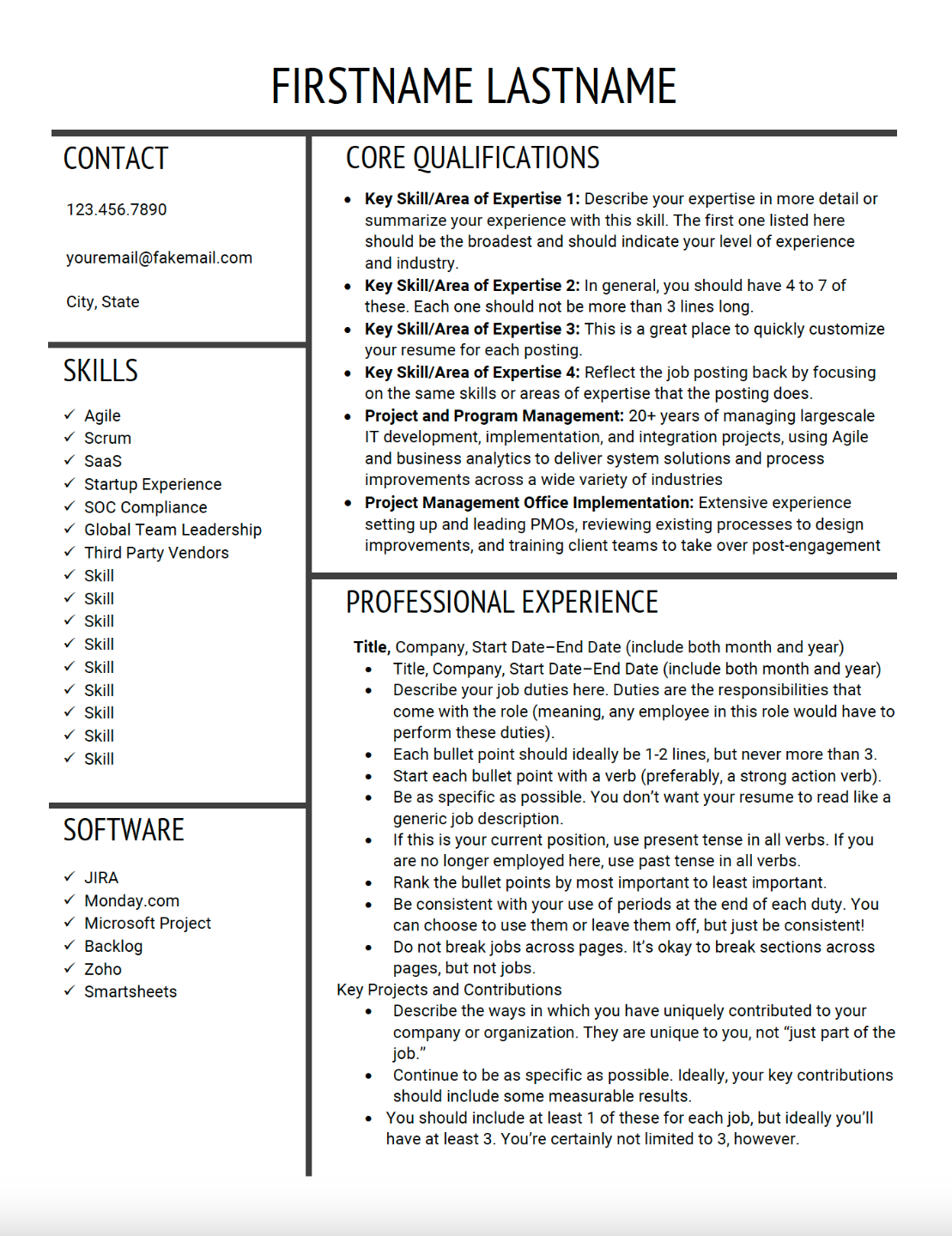
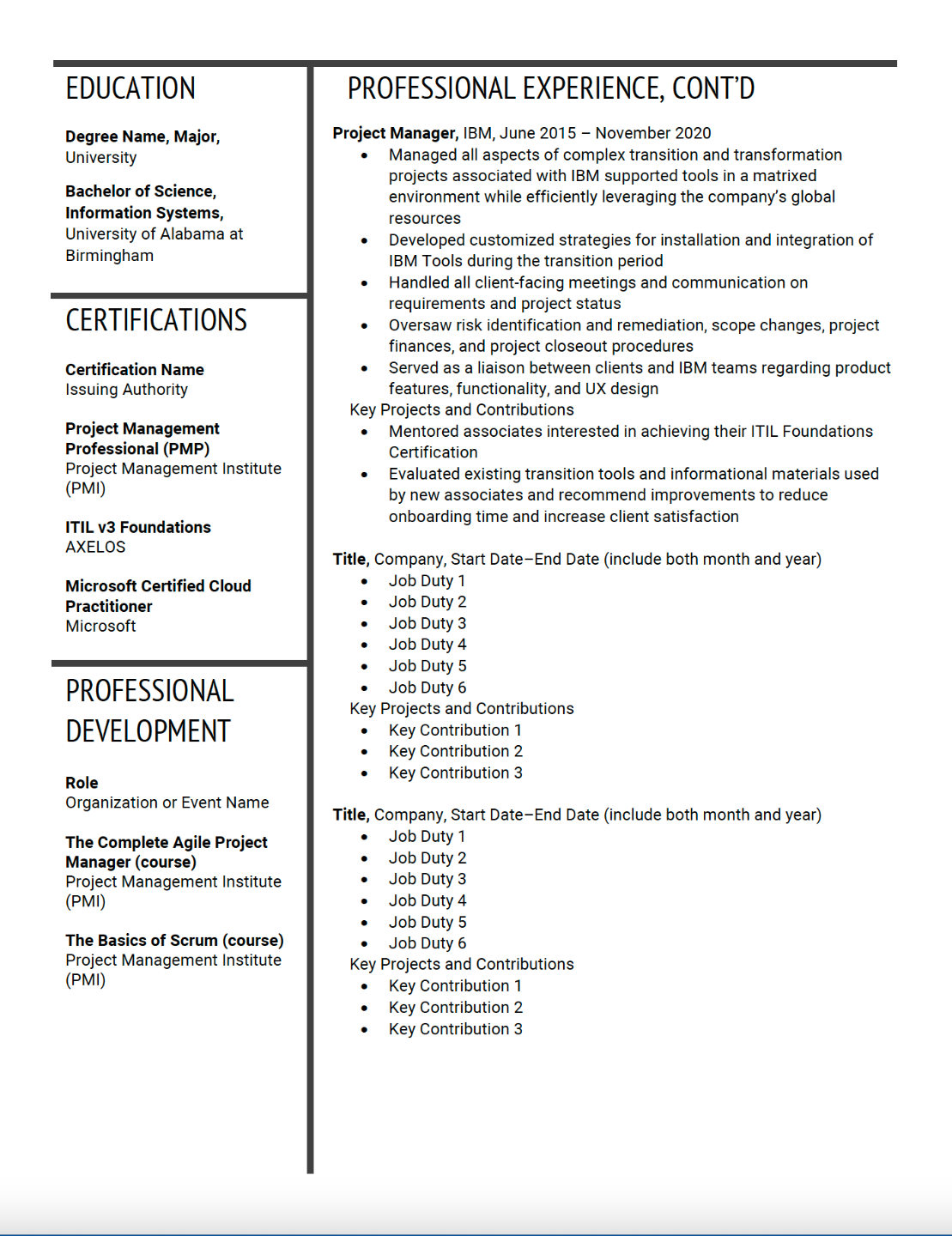
If you would like to save some time or don't feel comfortable with the design aspect of crafting your resume, we offer numerous templates for you to choose from. Each template includes instructions and advice on how to use it.
This is a high design template, which is not guaranteed to be ATS compliant. It is best used by those who either feel confident they can skip the ATS or are willing to take the risk of trading ATS compliance for a more eye-catching design.
Instructions for Use:
- Access Your Files
After purchase, you’ll be redirected to Your Journey. Click on your template to download the files, which include both the template and the required fonts. - Install Fonts in Word
- Open the downloaded font files.
- Click Install.
- Restart Microsoft Word so the fonts are available before opening your template.
- Customize
Launch the template in Word. Delete any sections that don’t apply to you, then copy and paste the content you drafted in the Unformatted Template in Lessons 6-14 of How to Write a Job-Landing Resume. - Format
Follow the formatting guidance from Lessons 16 and 17 of How to Write a Job‑Landing Resume. Much of this advice is also built into the template itself to help you stay on course.